> For the complete documentation index, see [llms.txt](https://docs.destreet.com/llms.txt). Markdown versions of documentation pages are available by appending `.md` to page URLs; this page is available as [Markdown](https://docs.destreet.com/how-to-join-a-trade.md).
# How to Join a Trade
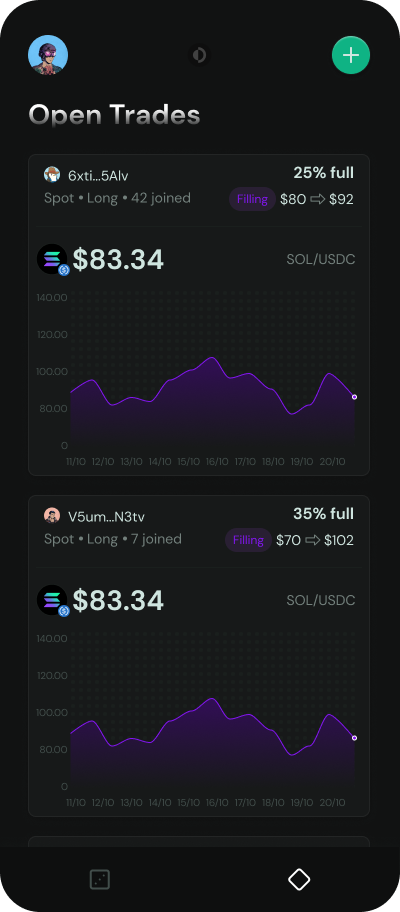
1\. You can join any trade in the "Open" state through the Open Trades tab.
2\. Find a trade you want to join. At a glance you can see the pair being traded, direction, proposed entry, and proposed exit price.
3\. Click join, enter the amount to deposit, and sign the transaction. That's it! Share with your friends and monitor the trade on your positions page.